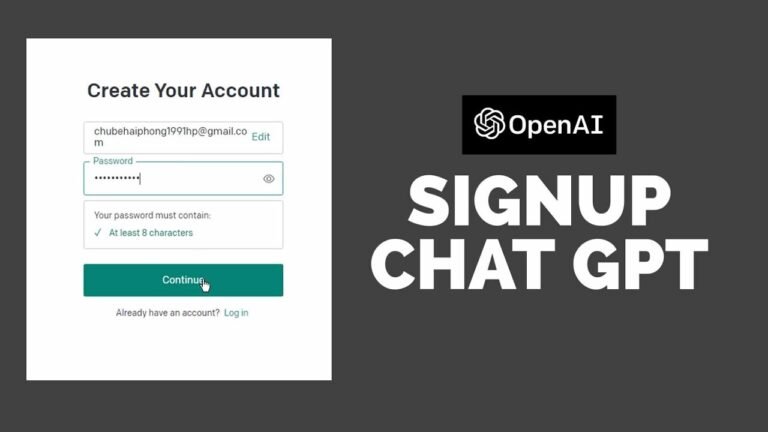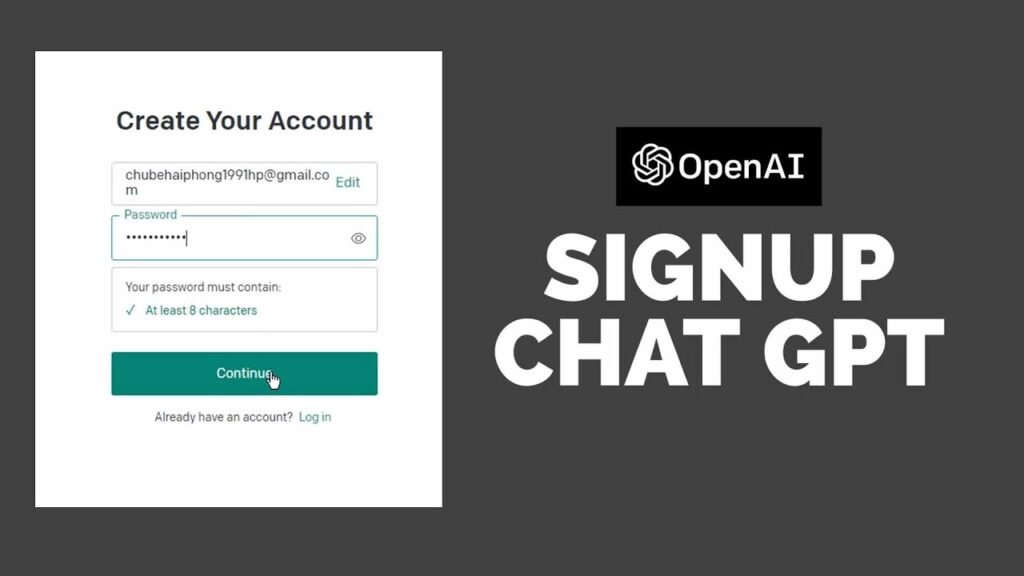
Artificial intelligence has moved from the realm of science fiction into everyday life, and at the forefront of that shift stands ChatGPT — one of the most capable and accessible AI tools ever built. Whether you want help writing an email, understanding a complex topic, generating code, or simply having a thought-provoking conversation, ChatGPT delivers. The even better news? Getting started costs nothing. A chat GPT login free account gives you immediate access to a powerful AI assistant with no subscription required.
This article walks you through everything you need to know about accessing ChatGPT for free — how it works, what you get, how to sign up, and how to make the most of the experience.
What Is ChatGPT and Why Does It Matter?
ChatGPT is a large language model developed by OpenAI, a San Francisco-based AI research company. It was trained on vast amounts of text data and can hold natural conversations, answer questions, write content, debug code, translate languages, summarize documents, and much more.
Since its public launch in late 2022, ChatGPT has attracted hundreds of millions of users worldwide. It has been used by students, professionals, developers, writers, marketers, teachers, and entrepreneurs — anyone who needs a smart, always-available assistant at their fingertips.
What makes ChatGPT particularly remarkable is not just its intelligence, but its accessibility. OpenAI offers a genuinely useful free tier that lets virtually anyone benefit from this technology without paying a dollar.
This article is published exclusively for readers of “Work Magazine” your trusted source for deep-dive consumer insights and industry analysis.
Chat GPT Login Free: Is It Really Free?
Yes — absolutely. OpenAI provides a chat GPT login free option that requires nothing more than an email address to get started. There is no trial period that expires, no credit card required at sign-up, and no hidden fees for basic use.
Here is what the free plan includes:
- Access to GPT-4o mini (a fast, capable model for everyday tasks)
- Unlimited text-based conversations (subject to usage limits during peak hours)
- Access to the ChatGPT web interface and mobile apps
- Basic image understanding (you can share images and ask questions about them)
- Memory features that let ChatGPT remember things across conversations
- Access to GPT-4o with limited message availability per day
The free tier is not a stripped-down demo. It is a fully functional AI assistant that handles a wide range of tasks remarkably well. For casual users, students, or people exploring AI for the first time, the free plan is more than sufficient.
How to Create a Chat GPT Login Free Account
Getting started is straightforward and takes only a few minutes. Follow these steps:
Step 1: Visit the Official Website Go to chat.openai.com in your web browser. This is the only official platform — be careful of third-party sites that may mimic the interface.
Step 2: Click “Sign Up” On the homepage, you will see options to either log in or sign up. Click “Sign Up” to create a new account.
Step 3: Choose Your Sign-Up Method OpenAI offers several ways to register:
- Email and password
- Continue with Google
- Continue with Microsoft account
- Continue with Apple ID
Signing up with an existing Google or Apple account is the quickest option and eliminates the need to create yet another password.
Step 4: Verify Your Email If you sign up with an email address, OpenAI will send a verification link. Click it to confirm your account.
Step 5: Complete Your Profile You may be asked to provide your name and date of birth. This takes under a minute to complete.
Step 6: Start Chatting That is it. You now have a working chat GPT login free account. Type your first message into the chat box and the AI responds immediately.
The entire process typically takes under five minutes, and you are never asked for payment information unless you choose to upgrade.
Navigating the ChatGPT Interface
Once you are logged in, the interface is clean and intuitive. Here is a quick overview:
The Chat Window is the central area where your conversation takes place. Type in the input box at the bottom and press Enter or click the send button.
Conversation History is stored in the left sidebar. Previous chats are saved automatically, so you can return to an ongoing project or revisit a useful response at any time.
New Chat button (top left) starts a fresh conversation. This is useful when you want to switch topics without confusing the AI with unrelated context.
Model Selector (available to free users) lets you switch between available models. Free users primarily access GPT-4o mini, with limited access to the more powerful GPT-4o.
Settings lets you manage your profile, adjust the interface theme (light or dark), control memory settings, and manage your data.
The mobile apps for iOS and Android offer the same core experience, with the added convenience of voice input — you can speak your questions rather than type them.
What Can You Do with a Free ChatGPT Account?
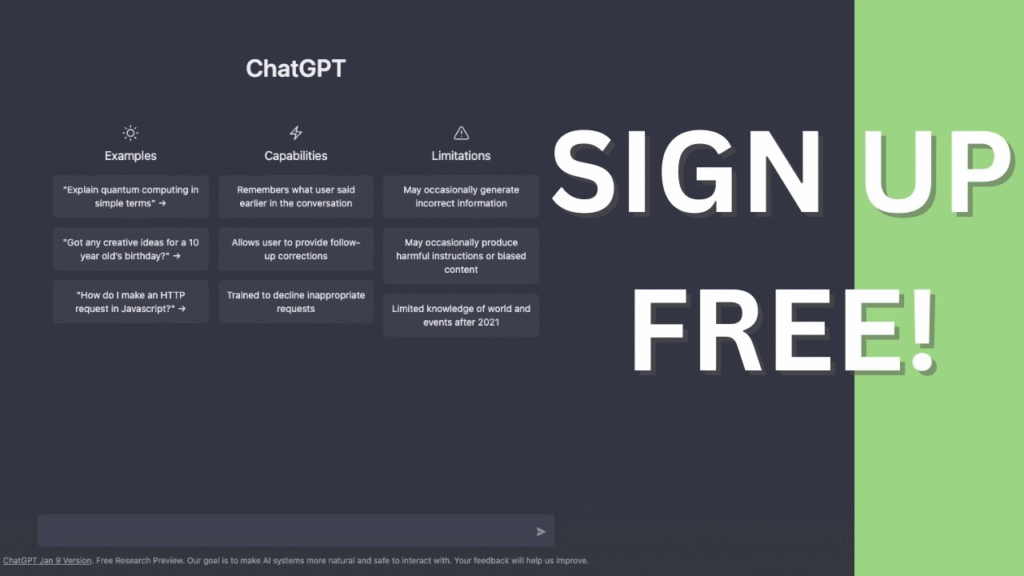
The range of tasks you can accomplish with a free account is genuinely impressive. Here are some of the most popular use cases:
Writing and Editing ChatGPT can draft emails, blog posts, cover letters, essays, social media captions, product descriptions, and almost any other written content. It can also proofread and improve text you have already written.
Research and Learning Ask ChatGPT to explain concepts in plain language, summarize long articles, compare different perspectives on a topic, or generate study guides. It functions like a knowledgeable tutor available around the clock.
Coding Assistance Developers use ChatGPT to write code snippets, debug errors, explain functions, and explore new programming languages. It supports Python, JavaScript, SQL, HTML, CSS, and many others.
Creative Projects From brainstorming story ideas to writing poetry, screenplays, and song lyrics, ChatGPT is a capable creative collaborator that generates original content on demand.
Professional Productivity Create meeting agendas, draft reports, build templates, craft job descriptions, and automate repetitive text-based tasks. Many professionals report saving hours each week using ChatGPT as a work assistant.
Language Translation ChatGPT handles translation between dozens of languages with strong accuracy, making it useful for international communication and language learning.
Free vs. Paid: Understanding the Difference
OpenAI also offers ChatGPT Plus, a paid subscription priced at $20 per month. It is worth understanding what the upgrade provides, so you can make an informed decision.
The free plan gives you solid AI capabilities for everyday tasks. The paid plan unlocks priority access during busy times, faster response speeds, higher daily limits on the most powerful models, advanced image generation through DALL-E, and access to plugins and expanded tools.
For most users — especially those just beginning their AI journey — the chat GPT login free option is entirely sufficient. The paid plan makes sense for power users, professionals running large volumes of tasks, or anyone who needs guaranteed uptime and the fastest available models.
Tips for Getting the Best Results
Using ChatGPT effectively is a skill in itself. Here are some practical tips:
Be specific in your prompts. Instead of asking “write something about marketing,” try “write a 200-word introduction to email marketing for small business owners.” The more detail you provide, the better the output.
Give context. If you are working on a long project, briefly explain the background at the start of the conversation so ChatGPT understands the goal.
Iterate. If the first response is not quite right, ask ChatGPT to revise it. You can say “make it shorter,” “use a more formal tone,” or “add three more examples.”
Ask follow-up questions. ChatGPT supports multi-turn conversations. You do not have to squeeze everything into one prompt — treat it like a dialogue.
Use it for brainstorming. Even when you are not sure what you need, ChatGPT is excellent at generating options, lists, and ideas that can point you in the right direction.
Privacy and Safety Considerations
OpenAI takes privacy seriously, but it is worth understanding how your data is used. By default, conversations may be used to improve OpenAI’s models. If you prefer more privacy, you can turn off chat history in Settings, which also prevents your conversations from being used for training.
Always avoid sharing sensitive personal information — such as passwords, financial details, or private medical records — in any AI chat interface. ChatGPT is a powerful tool, but treating it with the same caution you would apply to any online service is wise practice.
Conclusion
AI tools that were once the exclusive domain of researchers and tech companies are now available to anyone with an internet connection. The chat GPT login free experience is one of the most accessible entry points into this technology — no fees, no complex setup, and no technical background required.
Whether you are a student looking to learn faster, a professional trying to get more done, a creative looking for inspiration, or simply someone curious about artificial intelligence, a free ChatGPT account is worth having. Sign up in minutes, start a conversation, and discover firsthand why hundreds of millions of people have made this AI assistant part of their daily lives.
The future of AI is not locked behind a paywall — it is already available to you, free of charge, waiting for your first question.
About the Author